Let AI handle the count. You focus on the workout.

On-device pose-estimation, a motivational voice coach, and adaptive training plans — five premium workout apps engineered to make every rep count, automatically.

RATED ON APPLE APP & GOOGLE PLAY-STORE
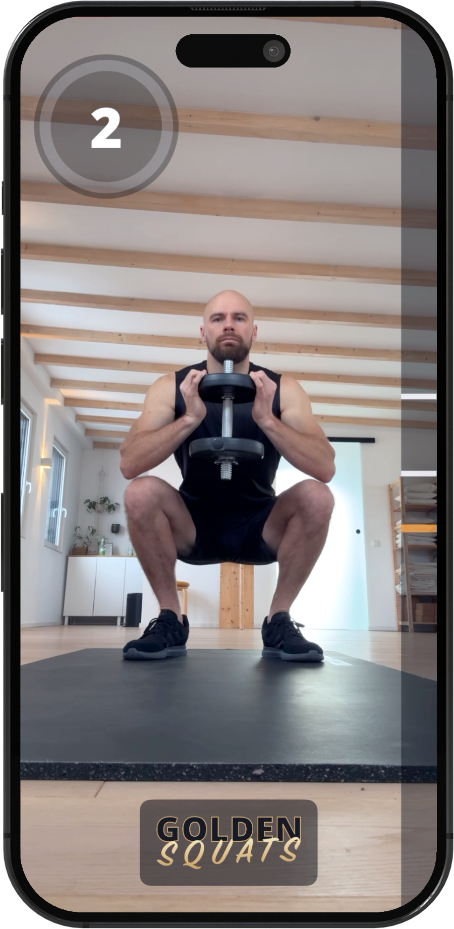
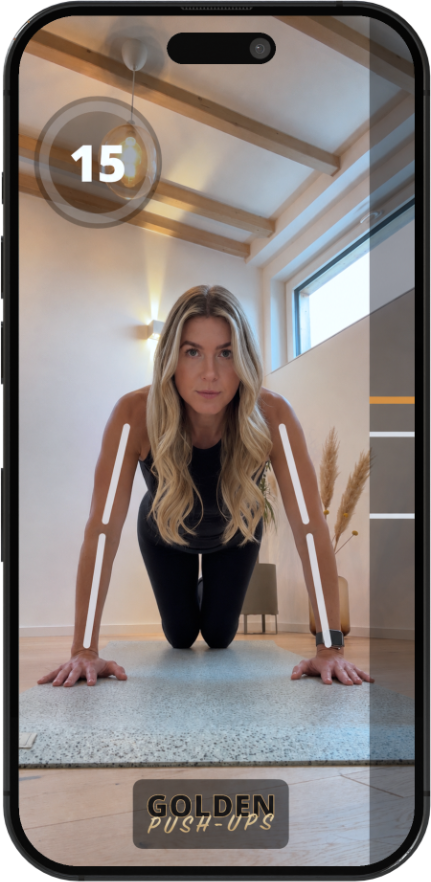
GOLDEN Squats app running on iPhone GOLDEN Push-Ups app running on iPhone
REAL-TIME AI TRACKING
Advanced AI

Vision that moves with you.

Powered by cutting-edge machine learning, every GOLDEN-Sports app uses advanced pose-estimation to track and count your reps in real time — straight from your phone's camera.

No internet. No wearables. No setup. Just place your phone, start the workout, and let the AI handle the count while you focus on perfect form.

On-device

Runs locally on iOS & Android. Your video never leaves the phone.

Real-time

Counts each rep the instant you finish it — no lag between motion and count.

Form check

Visual skeleton overlay highlights posture and depth.

Voice coach

Motivational audio cues keep you pushing through every set.

Everything inside

Built to make you stronger.

From your first push-up to your hundredth — the app adapts, tracks, and pushes you to the next level.

Adaptive Plans

A program that levels with you.

Start with a quick assessment. The AI designs a push-up plan tailored to your fitness level — backed by an in-house study tested across all abilities.
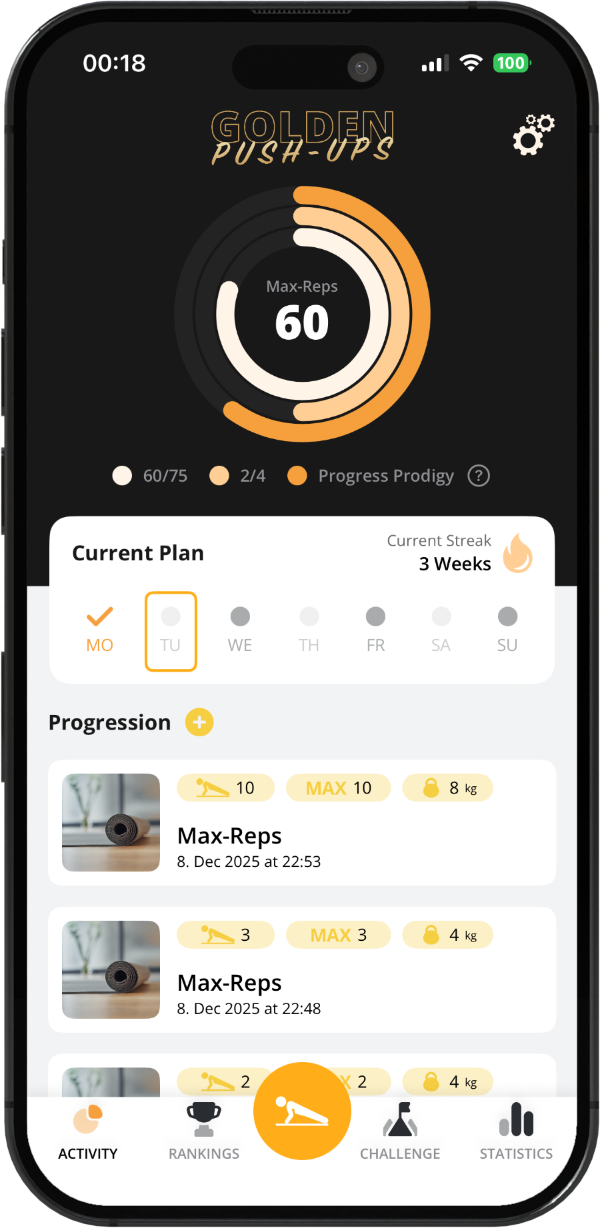
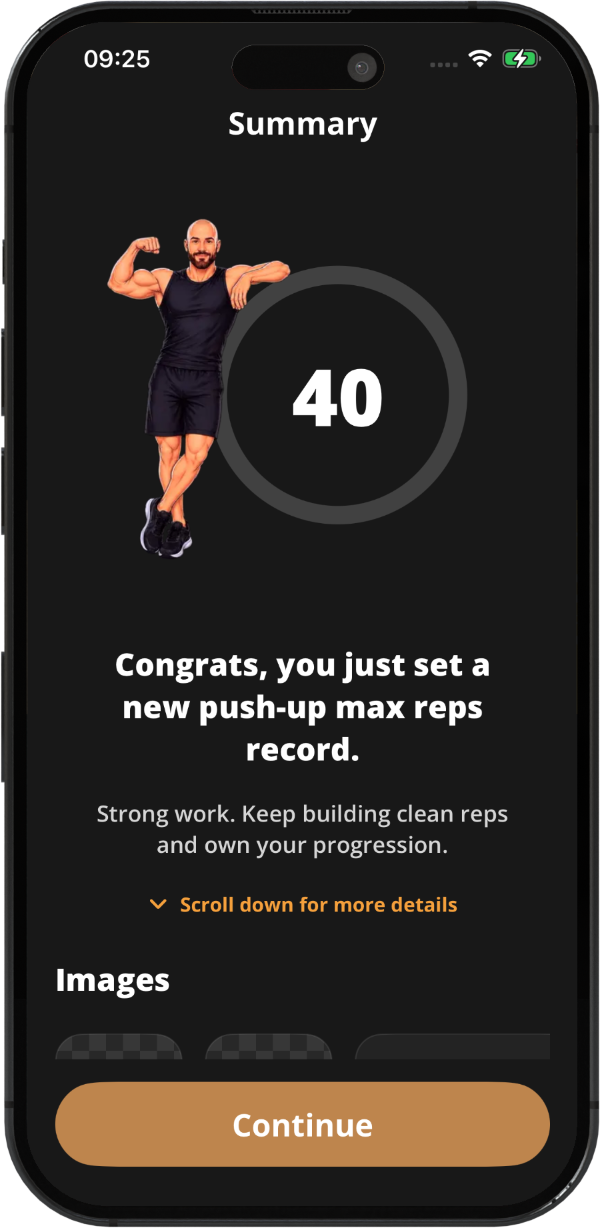
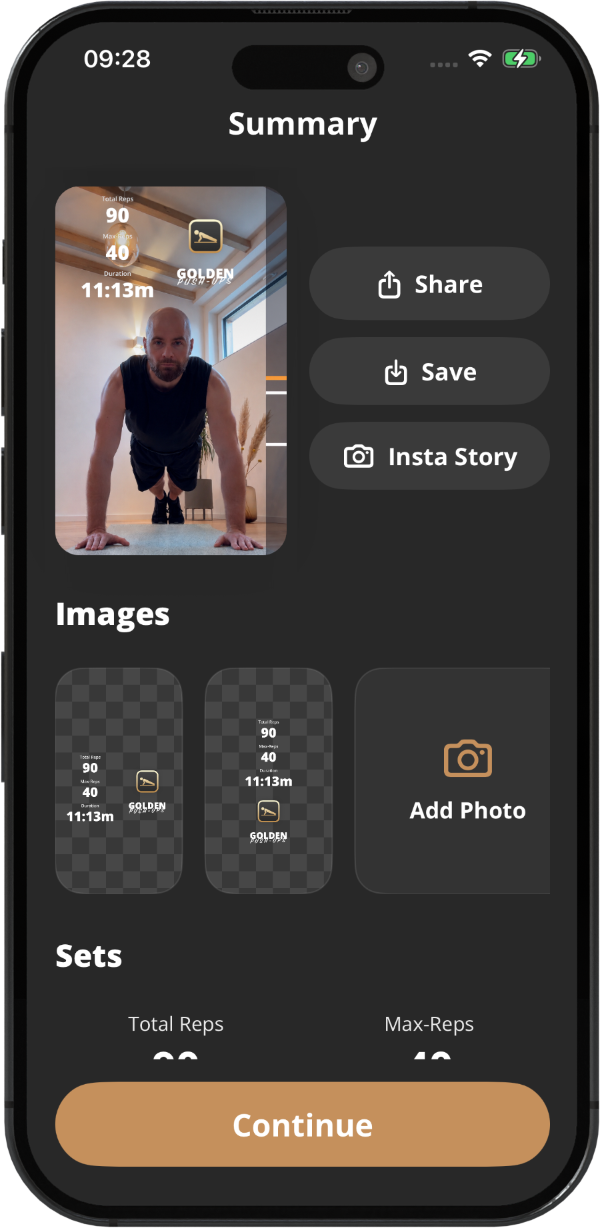
Activity screen New max-reps screen Post-workout summary screen
Progress

Track every rep.

Crisp charts visualize max reps, total volume and consistency over weeks, months and years. Training with extra weight? Log it and your stats reflect the real load.
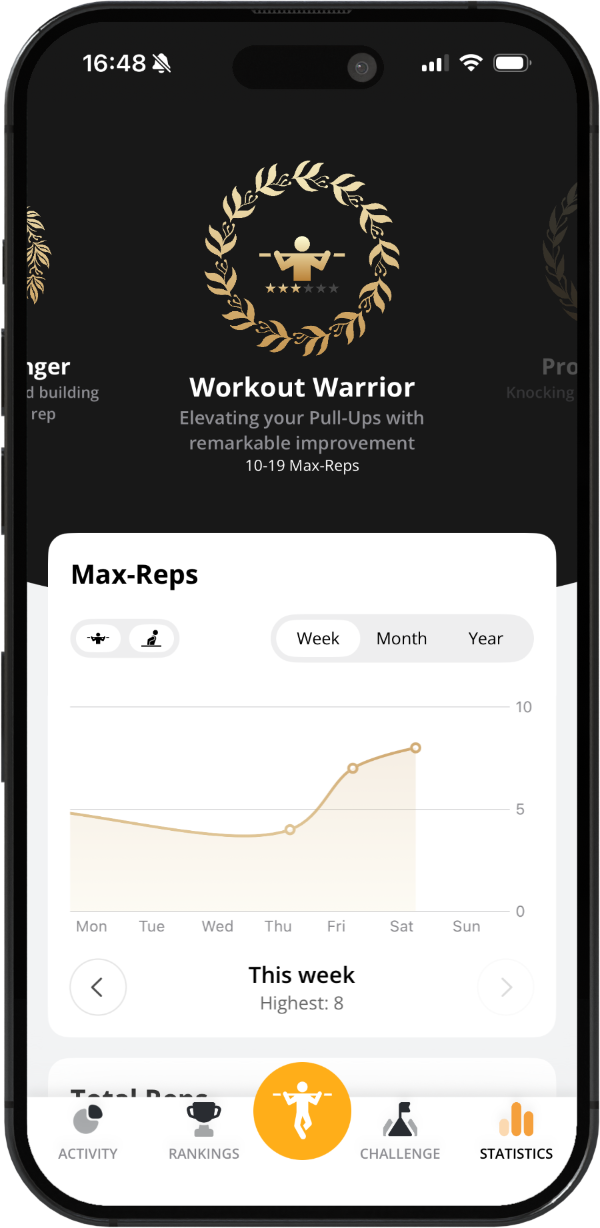
Statistics view
Variety

Never the same workout twice.

Descending sets, max-rep tests, EMOM and Tabata — fresh formats keep training engaging.
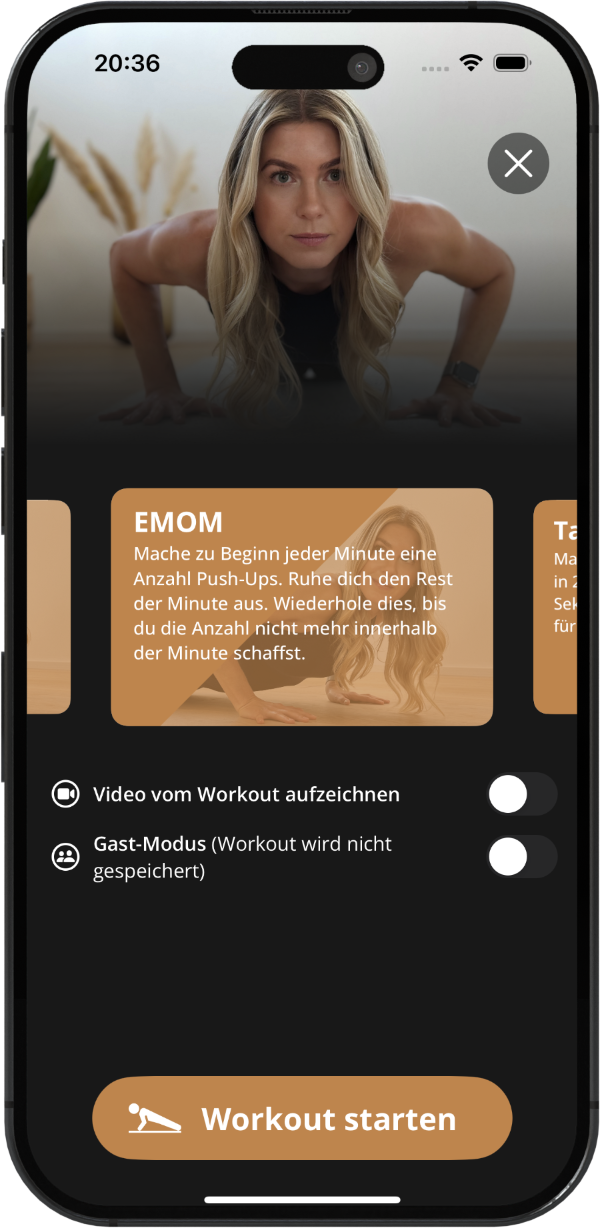
Workout variety options
Streaks

Show up. Repeat.

Built-in streaks turn consistency into a habit. Train every other day to keep your fire burning.
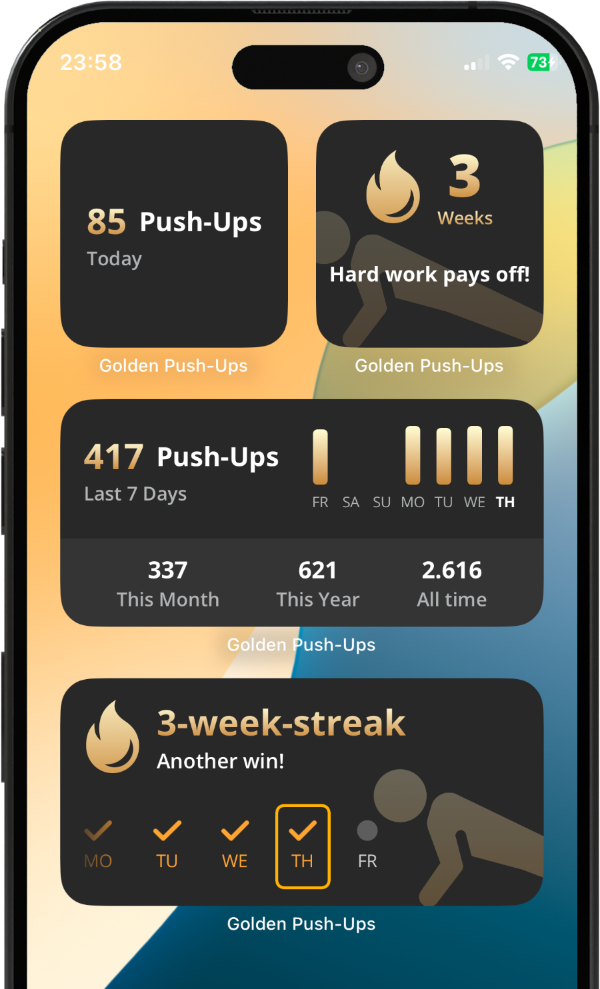
Home screen widgets showing your streak
Form Check

See your form, live.

Real-time skeleton overlay highlights posture, depth and tempo so you train smarter, not just harder.
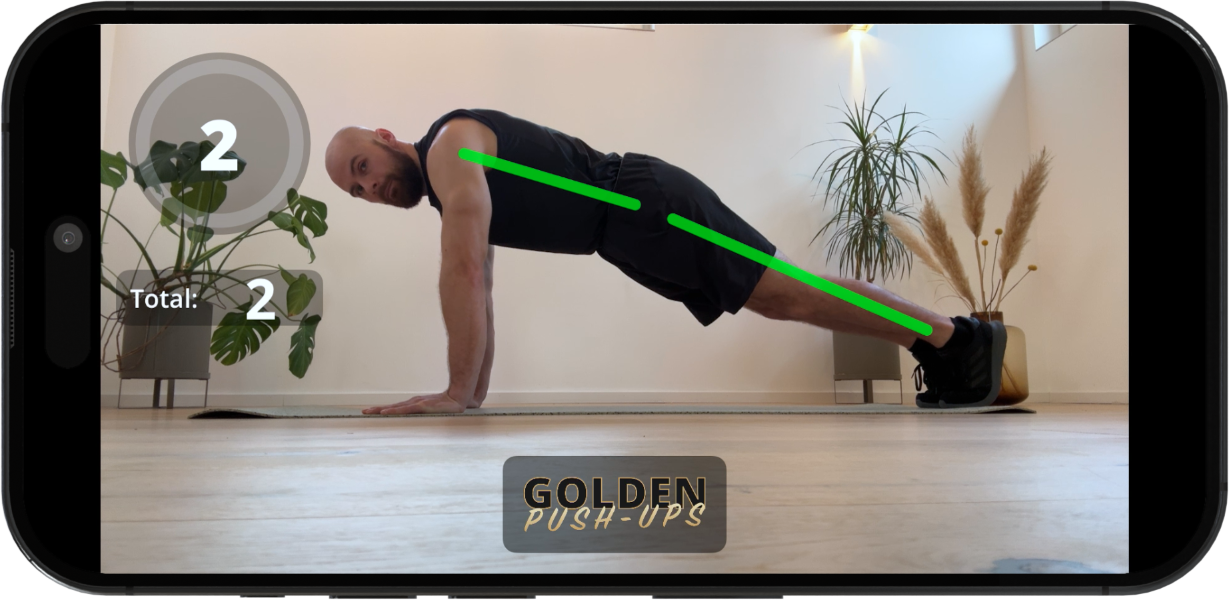
Form check screen
Builder

Design your own.

The workout creator lets you craft custom sets, reps and break times — your goals, your rules.
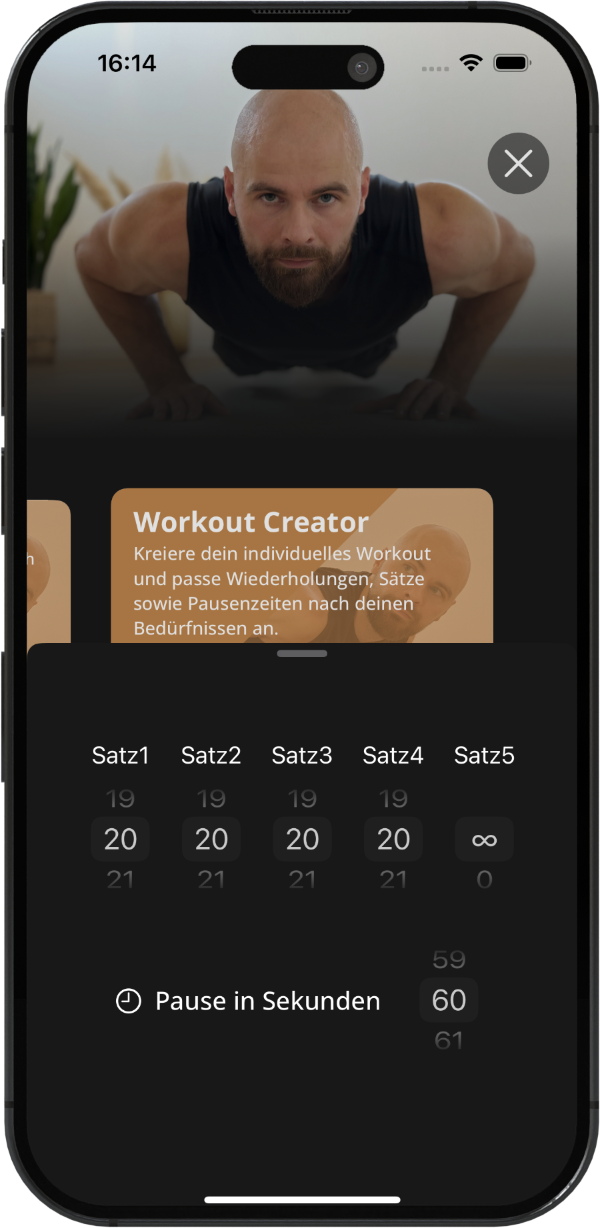
Workout creator
Community

Train together.

Compete with friends on the leaderboard, share PRs in group chat, and turn your living room into a club.
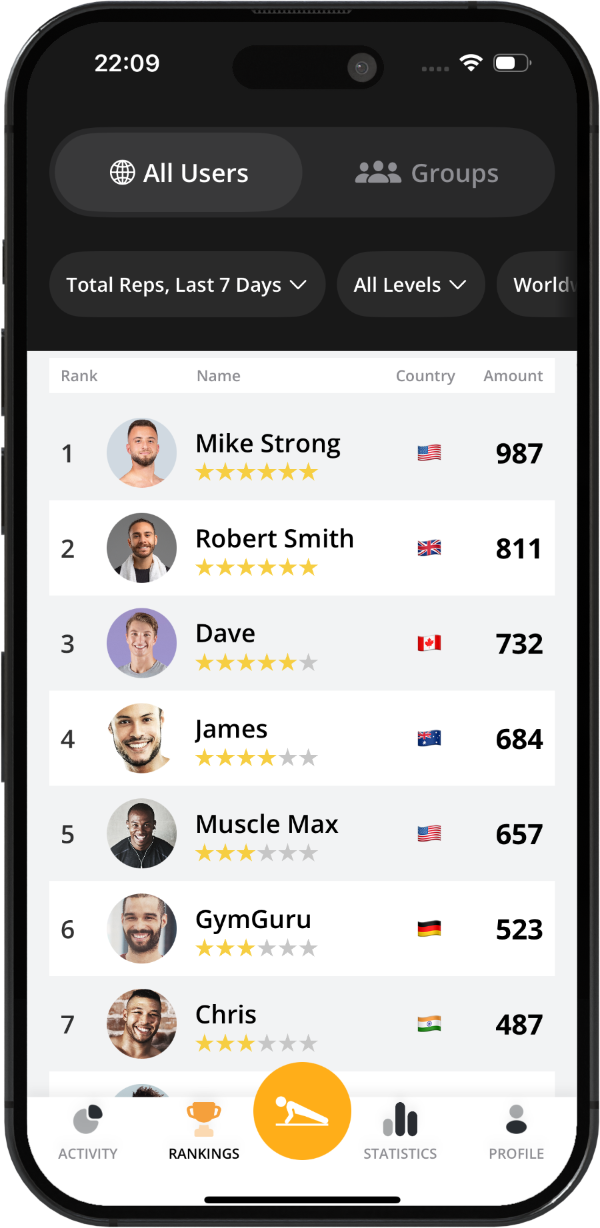
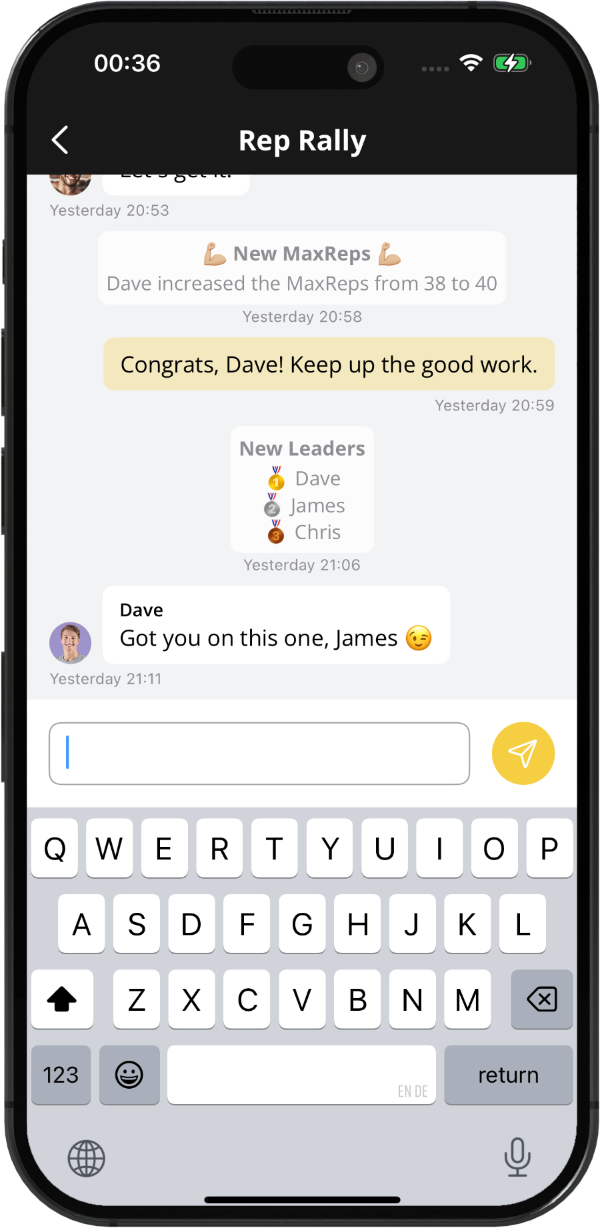
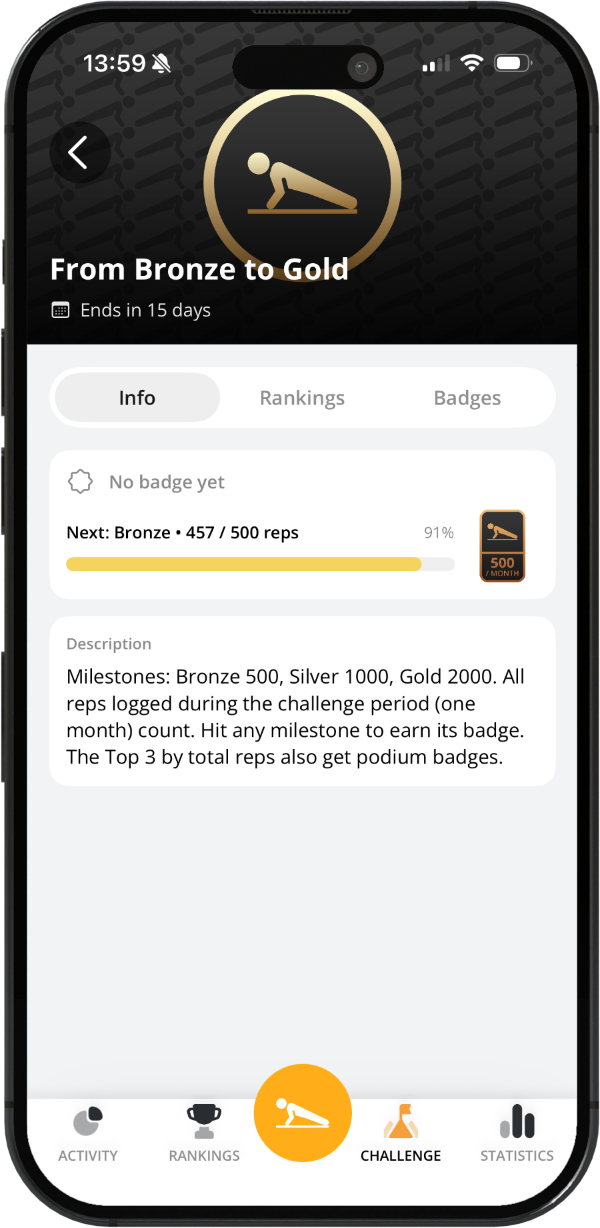
Leaderboard screen Group chat screen Challenge screen
Six movements

Far beyond push-ups.

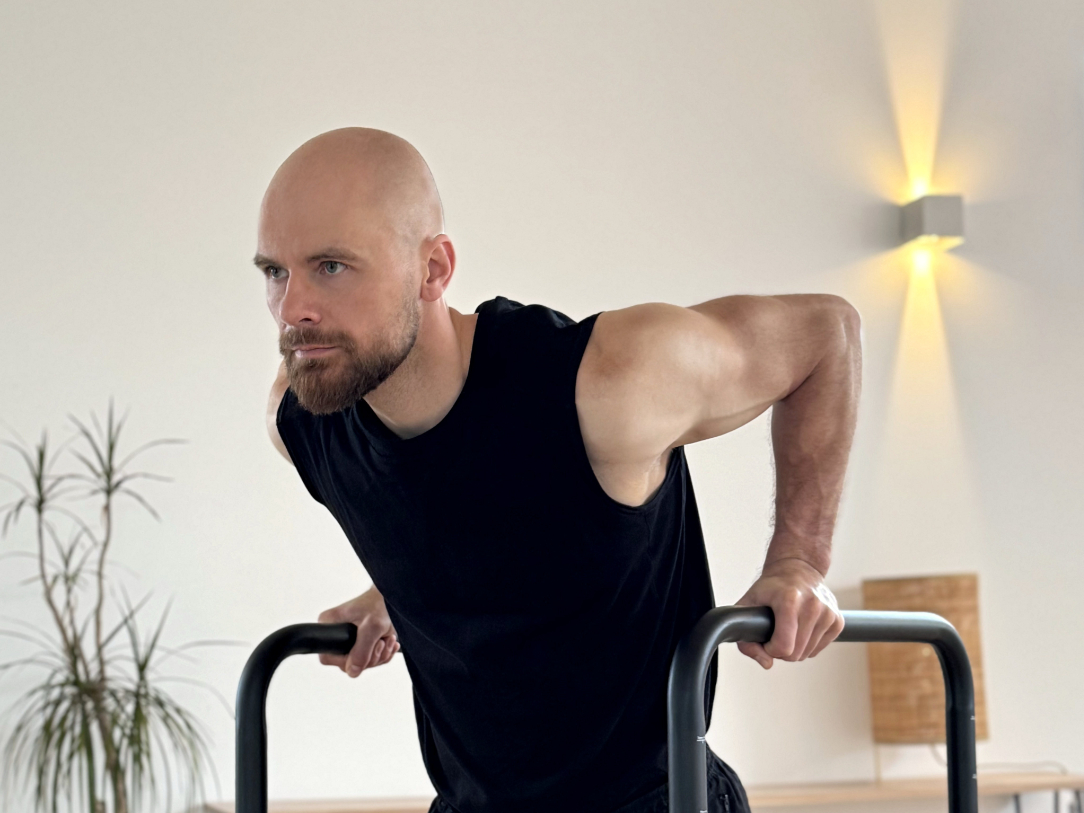
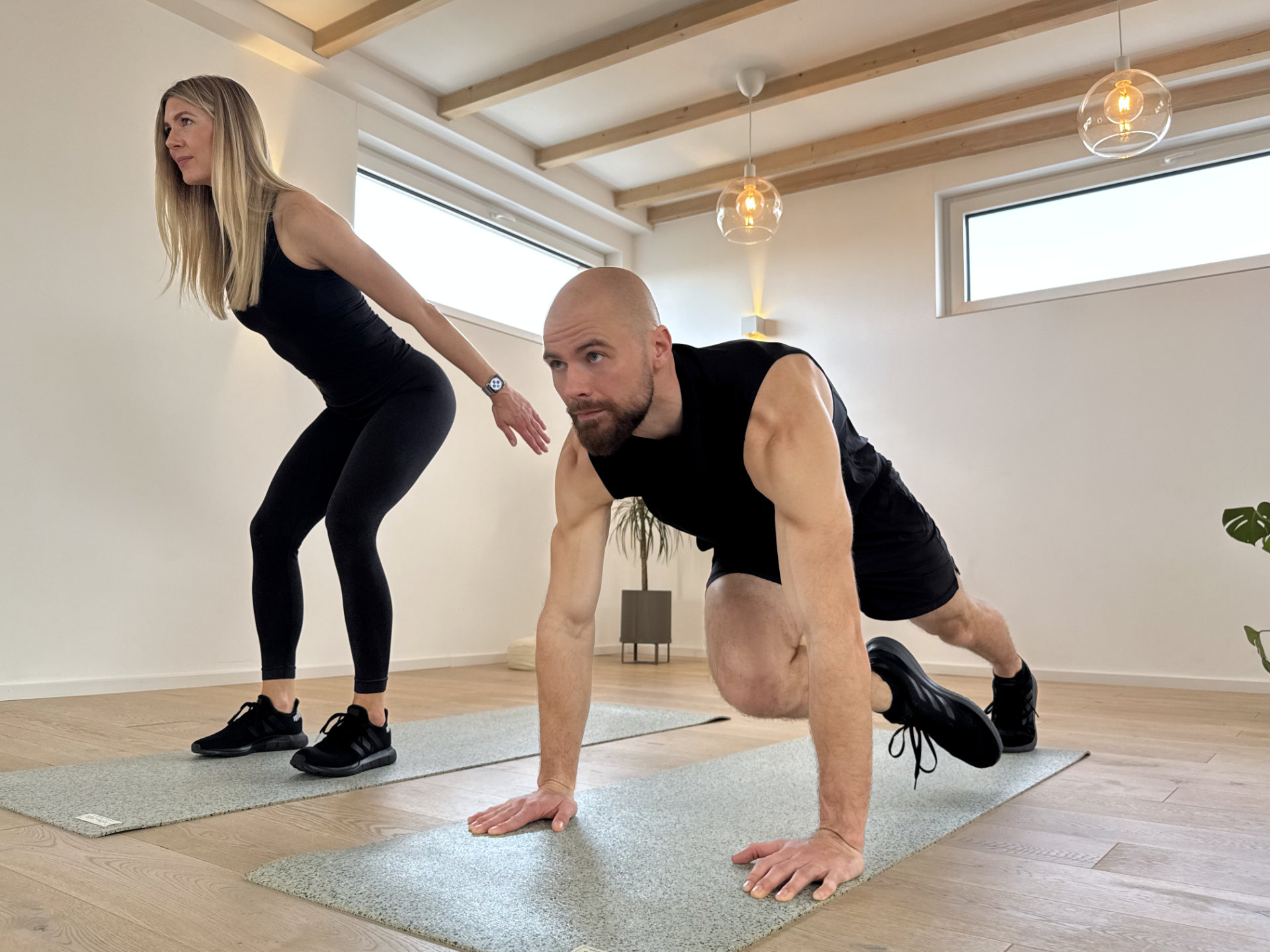
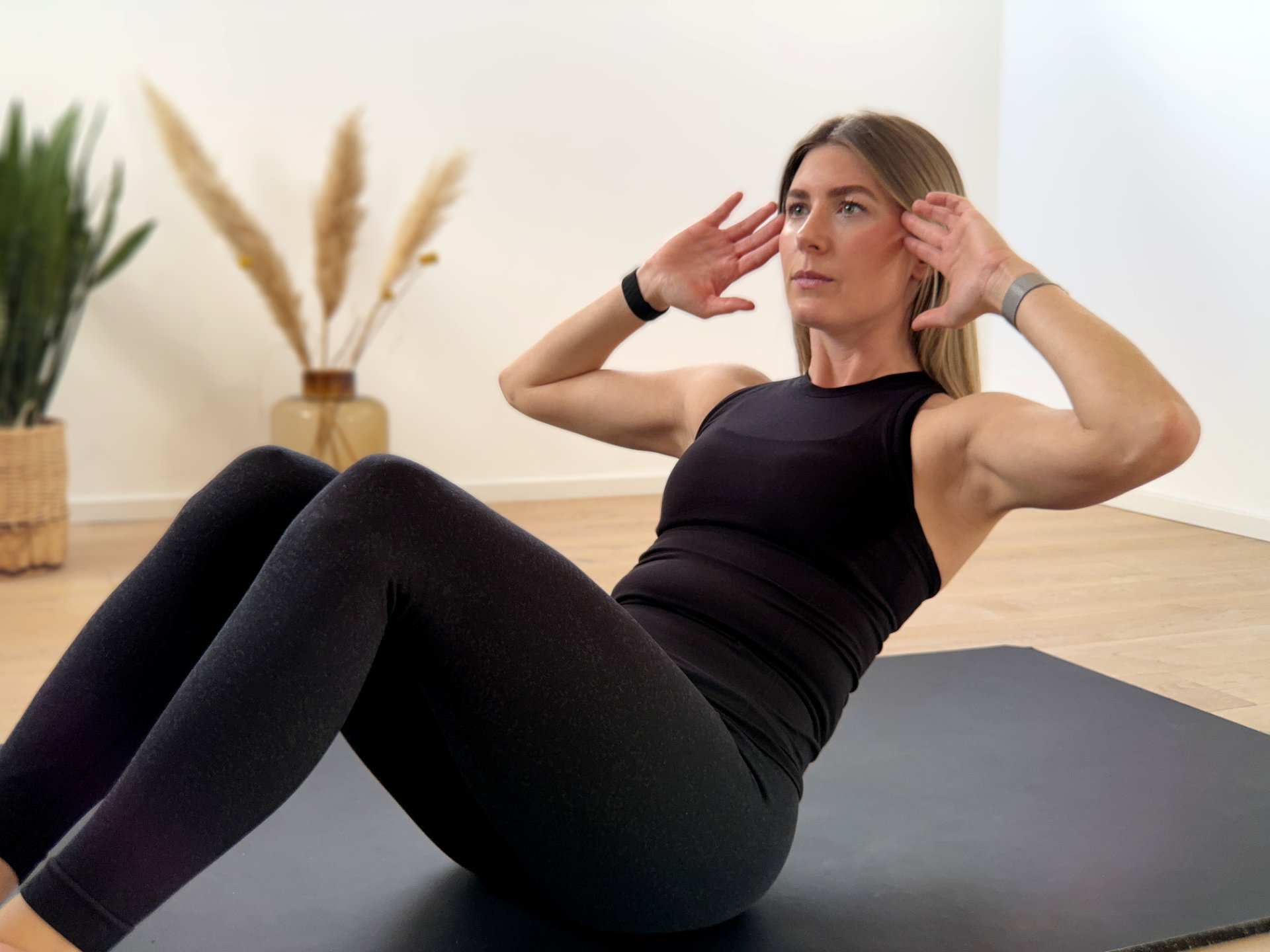
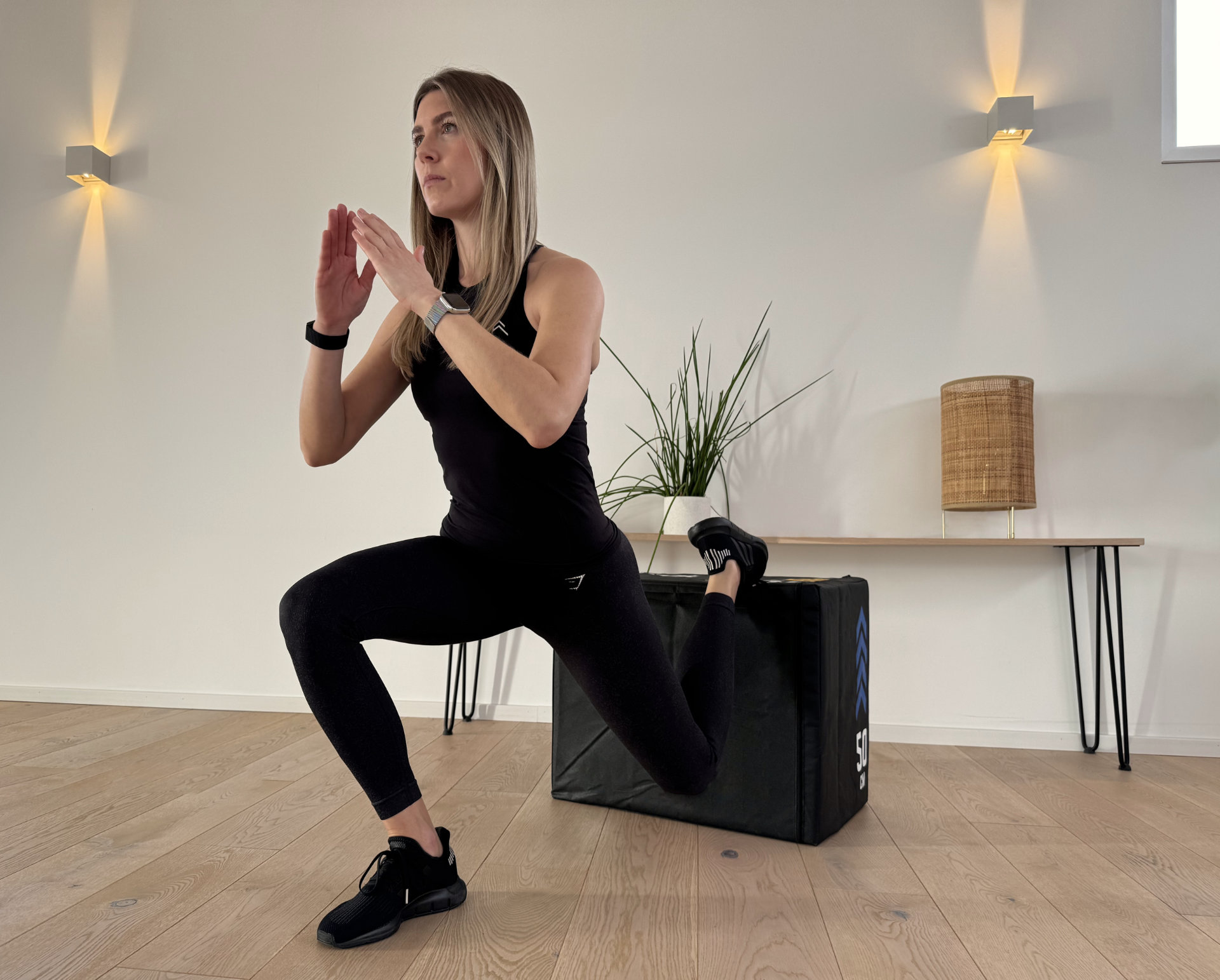
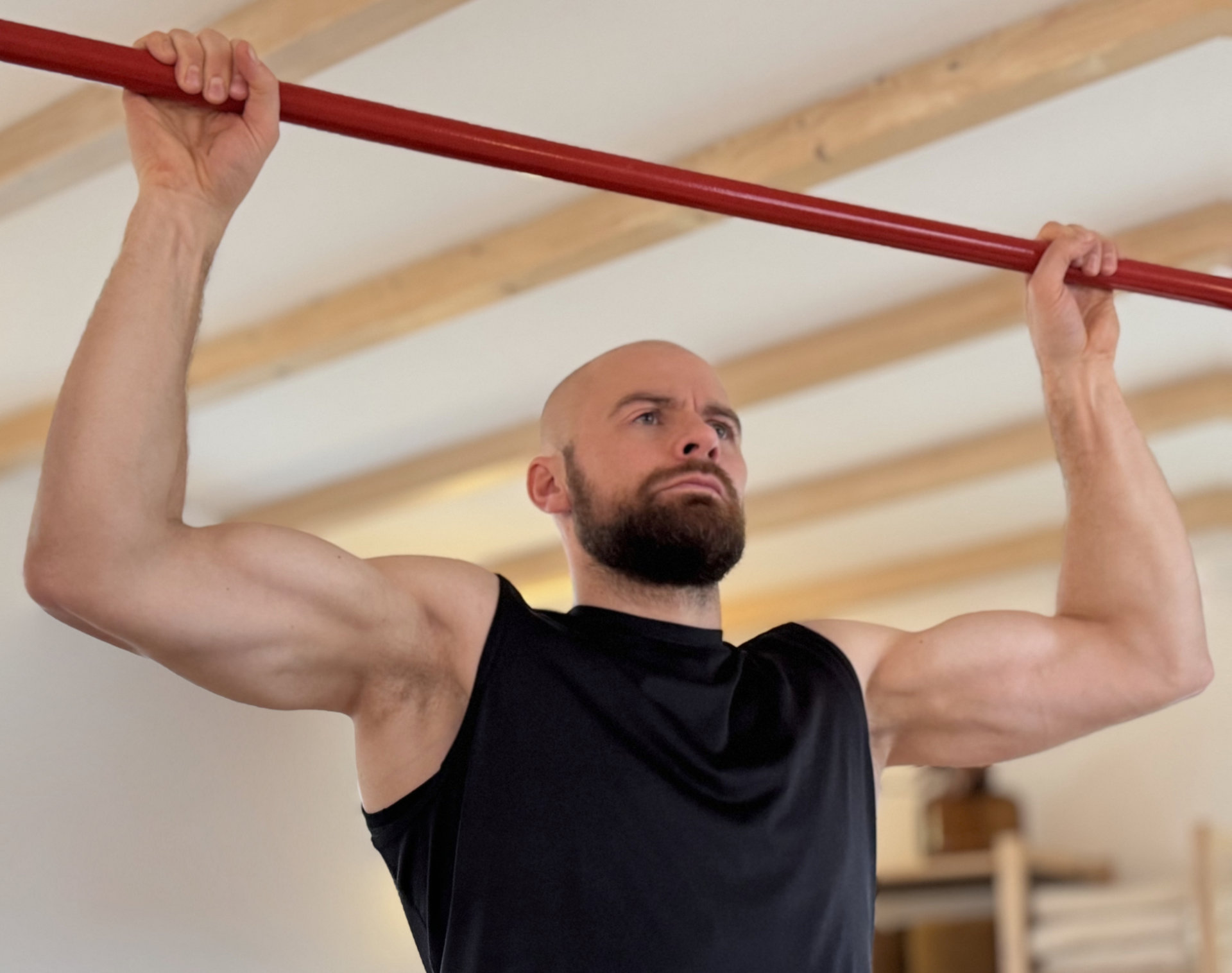
Pull-ups, dips, sit-ups, squats and burpees — every signature bodyweight movement, each with its own AI-coached app.
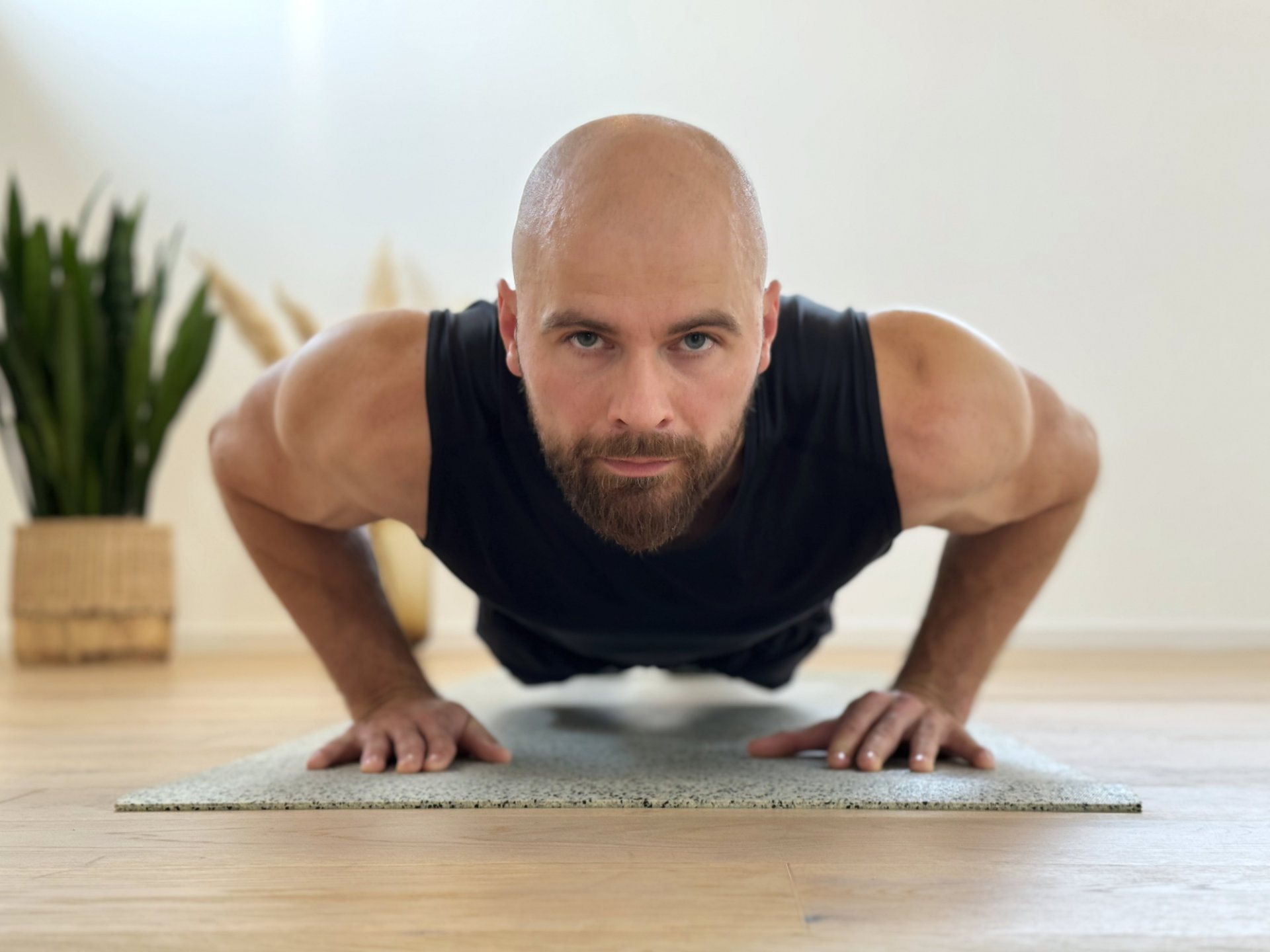
Push-ups
Push-Ups
Pull-ups
Pull-Ups
Dips
Dips
Burpees
Burpees
Sit-ups
Sit-Ups
Squats
Squats
The lineup

Five apps. One gold standard.

Each app is purpose-built around one movement — engineered, tested and refined to make you exceptional at it.
Flagship

GOLDEN Push-Ups

Your personal AI coach for a stronger chest, triceps, shoulders and core. The original app that started it all.


Pull-Ups · Dips

GOLDEN Bars

Build a powerful back, chest and arms — wherever there's a bar.
App Store Google Play
Full Body

GOLDEN Burpees

Explosive power, endurance and full-body strength in one brutal move.
App Store Google Play
Core

GOLDEN Sit-Ups

Strengthen abs, hip flexors and rock-solid core stability.
App Store Google Play
Lower Body

GOLDEN Squats

Power up your legs, glutes and posture — without any equipment.

App Store Google Play
From the App Stores

Loved by athletes everywhere.

Questions

Frequently asked.

The Training Plan was developed in collaboration with athletes and fitness enthusiasts of all levels. Using collected training data, we've crafted a program that adapts to your current fitness level. By adjusting your plan weekly to fit your needs and offering additional reps for flexibility during workouts, you'll always be training at an optimal level. Your time is valuable, and we're here to help you make the most of it!
Our goal with the Training is to challenge you significantly so that you feel a real impact. After an intense workout, your muscles need time to rest, recover, and grow. If you train the same muscle groups too frequently without adequate recovery, your progress will be less effective, and your risk of injury will increase.
Max-Reps refer to the maximum number of push-ups or pull-ups you can perform in a single set. With our Training, we guide you toward achieving your personal goals based on this benchmark.
Training outdoors has many benefits, but it's essential to keep an eye on your phone, especially in the summer. Our Pose Estimation AI requires a fair amount of processing power, so combined with direct sunlight, your device can overheat more quickly than usual. You'll also feel and perform better when you're not overheated! Stay hydrated, and if possible, find a shaded spot for your workout.
The choice between narrow or wide push-ups is yours! The key is to select one push-up variation and stick with it throughout your training. This consistency allows our GOLDEN Push-Ups Training Plan to align with your performance and increase your strength effectively.
Absolutely! If regular push-ups from a plank position are challenging, feel free to follow your Golden Push-Ups Training Plan with knee push-ups. If you reach over 20 knee push-ups, you can decide whether to start a new training plan with standard push-ups or continue building on your knee push-ups.
In the Profile section of the app, you'll find two options: one to delete only your workout plan and another to delete all sessions and the plan. By deleting just the plan, your previous sessions will be saved, but you'll be prompted to complete a new Max-Reps workout. The app will then adjust your training level based on your current fitness. Choosing to remove all sessions and the plan will clear all your data entirely.
Each training cycle consists of 4 workouts, with a limit of one workout per day. Following our recommendations, you'll complete 3 descending set workouts, and the fourth workout will be a max-reps test. Successfully finishing the 3 regular workouts will gradually increase your level, while the max-reps test will adjust your level based on your latest performance.

Your level will never decrease. If you find the workouts too challenging after a break, consider deleting the current training plan and re-leveling with a new max-reps test to match your current fitness level.
If you want to add variety to your training, give EMOM or Tabata a try! Both programs are time-based, so be sure to get into position promptly, or the program will end. Voice commands will guide you throughout. Tabata, in particular, can be intense at lower levels since it only allows 10 seconds of rest between activities, making it a challenging but rewarding workout.
We recommend taking the breaks between sets, but if you still wish to skip them, you have two options. You can tap the "Skip Break" button on the display or hold both forearms in an "X" shape in front of the camera for three seconds.
Our app uses AI-driven body recognition to count your repetitions accurately. If the AI isn't detecting your reps properly, several factors may be causing this:

Reason 1: You're too close to the screen
Make sure to step back far enough so your entire body is visible on screen. Typically, three to four steps back should be sufficient.

Reason 2: Starting too soon
Begin the exercise only after you hear "GO". Hold the starting position (e.g., high plank for push-ups or dead hang for pull-ups) until the countdown finishes.

Reason 3 (for push-ups): Position change after scanning
Avoid moving forward or backward after or during the scan. If you need to adjust your position, either exit the scan position before it finishes or restart the workout if the scan is complete.

Reason 4: Unstable smartphone position
Ensure your smartphone is securely positioned and doesn't slip.

Reason 5: Incomplete range of motion
The app requires a full range of motion. For push-ups, this means starting with arms fully extended and lowering until your chest is just above the ground. Use the on-screen guide lines to help achieve this range. You may also want to review our tutorial video.

Reason 6: AI recognition issues
The AI must clearly see you to count reps accurately. Make sure there's adequate lighting, avoid loose clothing that may obscure your arms, and ensure no other person is in view to prevent confusion. Higher contrast between you and the background enhances AI detection, so avoid matching your clothing or skin tone to the wall color. Additionally, lens flares or direct light into the camera can interfere with recognition.
In the last set of your workout, feel free to add extra reps! The training plan is designed to match your fitness level and to challenge you effectively. Always aim to perform as many push-ups in the final set as you can, stopping only when you can no longer maintain good form. This approach maximally challenges your muscles and ensures you're training efficiently. Your dedication will pay off!
Your streak continues as long as you don't take more than three full days off between workouts. For example, if you train on Monday, you'll need to train again by Thursday to keep your streak alive. We recommend training every other day to maintain consistency and progress effectively!
To help you improve effectively with our Apps, we aim to challenge you in each session. For a workout to count as a training day, you need to complete a certain number of push-ups based on your individual MaxRep level. However, rest assured that your streak will still be maintained!

You don't have to set a new personal best each time, but our goal is to keep pushing you toward your next MaxRep milestone. This way, every workout helps you progress!
You can only count one training day per calendar day. If you still have energy, there's no harm in doing an additional workout! The key is to give your best effort in your next MaxRep workout so we can prepare a challenging plan for your next training week. This approach ensures you're continuously progressing and being pushed to your full potential!
The answer is simple! We don't collect any of your data. All your workouts are stored locally on your device only.
If you make a screen recording of your workout, it's stored locally on your smartphone or device. You have full control over the video — whether to save it, share it with another app, or delete it. If you dismiss the share sheet after recording, you can still find the video temporarily in the "Temporary Memory" section in your Profile. However, this temporary storage is managed by your smartphone's operating system and may be deleted at any time. For secure storage, we recommend saving it to your standard photo app.